How to book a seat online: step-by-step instructions
When time is short and you need to plan your trip quickly, the most convenient way is to book a bus ticket online. It takes a few minutes and does not require any queues or paperwork. Pavluks-Trans has made everything as simple as possible: you can book your bus tickets online at any time, from your phone or computer.
Why you should book in advance
Many people put off buying a ticket until the last day, but from the experience of regular travelers, it is better not to do this. If you know when you are leaving, make a reservation right away. This way, you will not only get a good seat in the cabin, but also avoid price increases before departure.
In addition, booking bus tickets early helps you prepare for the trip calmly: pack your things, check your documents, and arrange a time with friends or family. All these are little things, but they are what make the trip enjoyable and stress-free. Below is a short but detailed guide on how to book a seat online without any hassle.
Step 1. Choose a destination
Go to pavluks-trans.com/routes. All current routes are collected there - you can immediately see available bus flights, departure, and arrival times. Select the desired route and click “Buy”. We recommend taking a screenshot of the page so that you have the flight time and bus number at hand.
Step 2. Choose a travel date
After choosing a destination, determine when exactly you want to go. The system allows you to book a bus ticket for the coming days or in advance. If you are interested in how many days in advance you can book a bus ticket, then you usually book up to 30 days before departure. This is convenient when you need to plan your trip.
Step 3. Choose a seat
A cabin diagram will appear on the screen. Just click on a free seat - you will immediately see whether it is available. Do you want to sit by the window or next to a friend - choose for yourself. After that, click “Book”.
Do not forget, take a screenshot of the place you have chosen.
Step 4. Enter your details
To book bus tickets, you need to enter your last name, first name, phone number, and e-mail. Confirmation will be sent to this email or number, as well as an electronic ticket for the bus online. If something goes wrong, you can contact support and correct the booking.
Step 5. Pay for the ticket
After filling out the form, proceed to payment. Pavluks-Trans offers several options: bank card, electronic wallet or payment via online banking. After payment, you will receive a confirmation by email or SMS. You can also book a bus ticket by phone if it is more convenient.
Step 6. Confirmation
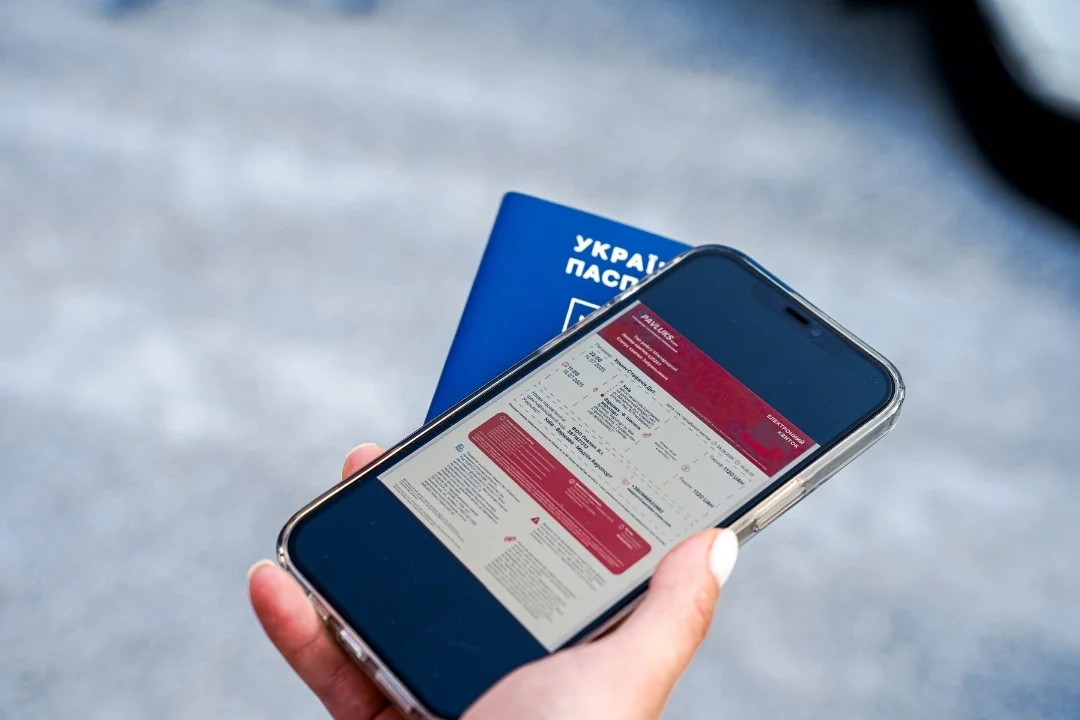
After payment, you will receive an electronic ticket, which you show to the driver when boarding. It is not necessary to print it – just show it from the phone screen. If the departure time changes, you will be notified by email or message.
Additional tips
If this is your first time using the online bus ticket booking service, here are a few little things that will help you avoid unnecessary worries:
It is better to buy online bus tickets in advance, especially on holidays or for popular destinations – this way there will be more choice of seats.
Take a screenshot of the booking confirmation and save it on your phone. Even without the Internet, you can show it to the driver.
If you have any questions, the Pavluks-Trans support service will always help clarify the details of booking bus tickets.
Today, everything can be done in just a few clicks. Online booking of bus tickets from Pavluks-Trans is convenient, fast and without paper fuss. You don't need to go to the ticket office or stand in line – choose a direction, see the bus schedule, book a seat and hit the road.
Plan your trips with peace of mind. You can now book a bus ticket at any time - at home, at work or even on the way to the bus stop.